

Home Wi-Fi Mistakes That Kill Your Internet Speed
Slow internet can feel like a daily mystery. Why does streaming buffer at night? Why do video calls freeze at the worst moment? Why does speed seem fine in one room but terrible in another? Many people blame their internet provider, yet the real problem often sits inside the home. Small setup choices, overlooked habits, and outdated equipment quietly drag speeds down without warning. Home Wi-Fi works best when every part of the setup supports smooth signal flow. Understanding what goes wrong helps fix problems quickly and prevents repeat frustration. This article breaks down the top five home Wi-Fi mistakes that kill your internet speed, explaining how simple changes can dramatically improve everyday browsing, streaming, and online work.
Poor Router Placement
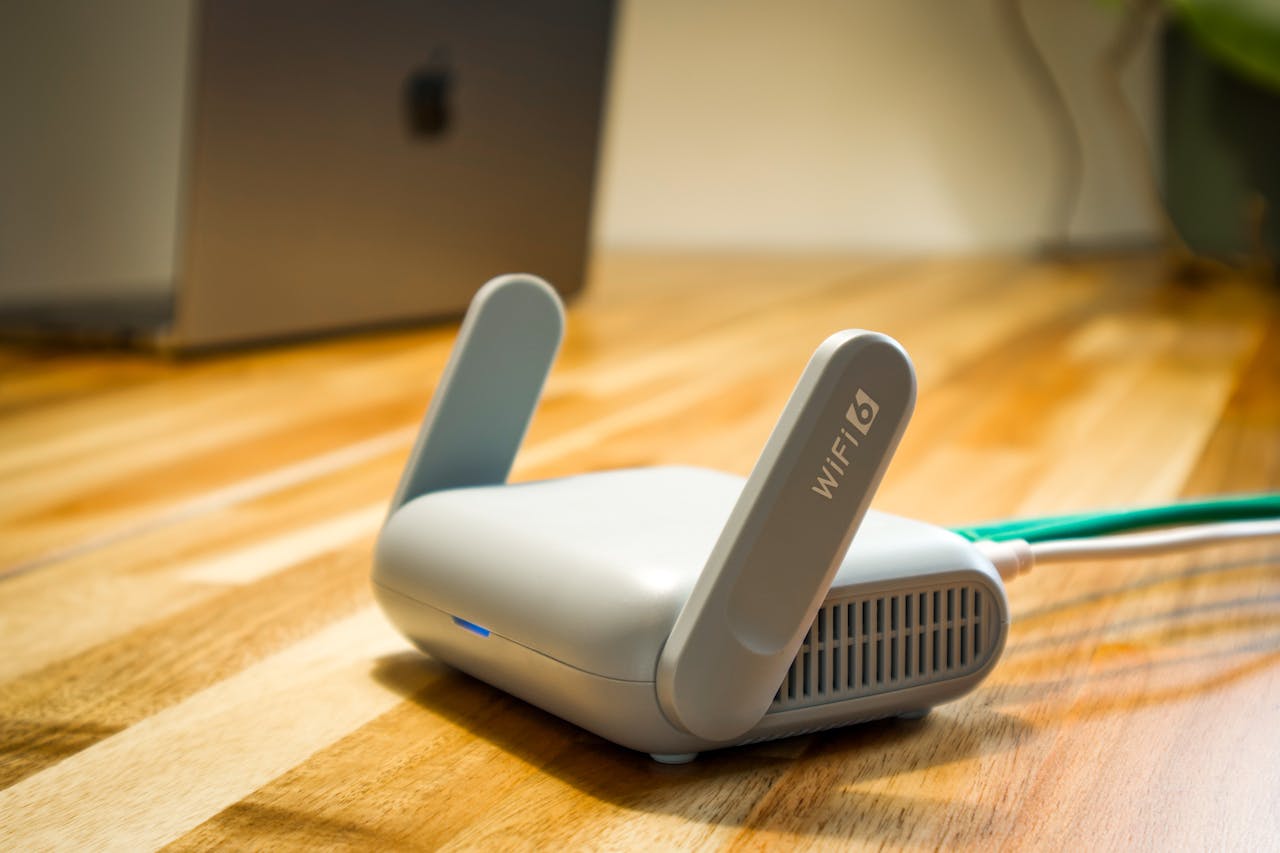
One of the most damaging mistakes is placing the router in the wrong location. Routers hidden in cabinets, corners, or behind large furniture struggle to spread signals evenly. Walls, metal objects, and appliances block or weaken Wi-Fi waves, leaving certain rooms with poor connectivity. The router should sit in an open, central area of the home, elevated if possible. This allows signals to travel freely in all directions. Many homes unknowingly limit performance simply by hiding the router for aesthetic reasons. A visible router often delivers far better results than one tucked away out of sight.
Using Outdated Equipment
Old routers and modems can severely limit internet speed, even with a fast internet plan. Technology advances quickly, and older devices may not support higher speeds or modern Wi-Fi standards. As more devices connect to the network, outdated hardware struggles to keep up. If your router is several years old, it may lack the processing power needed for streaming, gaming, and smart devices. Upgrading to newer hardware often provides an immediate speed boost without changing your internet service. Many users overlook this issue and continue paying for speeds their equipment cannot fully deliver.
Ignoring Router Settings and Updates
Default router settings may not suit every household. Many people never log into their router dashboard, missing opportunities to improve performance. Firmware updates often include speed improvements, security fixes, and stability enhancements, yet they remain unused. Changing Wi-Fi channels can reduce interference from neighboring networks, especially in apartment buildings. Updating firmware and adjusting basic settings helps the router operate more efficiently. Overlooking these options leaves potential speed gains unused and keeps performance below what the hardware can actually deliver.
Too Many Connected Devices

Every connected device shares available bandwidth. Phones, laptops, smart TVs, security cameras, and even household appliances quietly consume data. When too many devices remain active, internet speed drops across the network. Background updates, cloud backups, and streaming apps running unnoticed create congestion. Disconnecting unused devices or scheduling updates during low-usage hours can restore performance. Homes with many users benefit from routers that manage traffic efficiently, but awareness alone helps reduce unnecessary strain on the network.
Relying Too Much on Wi-Fi Extenders
Wi-Fi extenders can help reach distant areas, but improper use often causes more harm than good. Cheap …